
Anti-Piracy Shield
Manage access to your teaching material and evaluate available content-protection controls on the devices your students use. No software can guarantee that content will never be copied or shared.
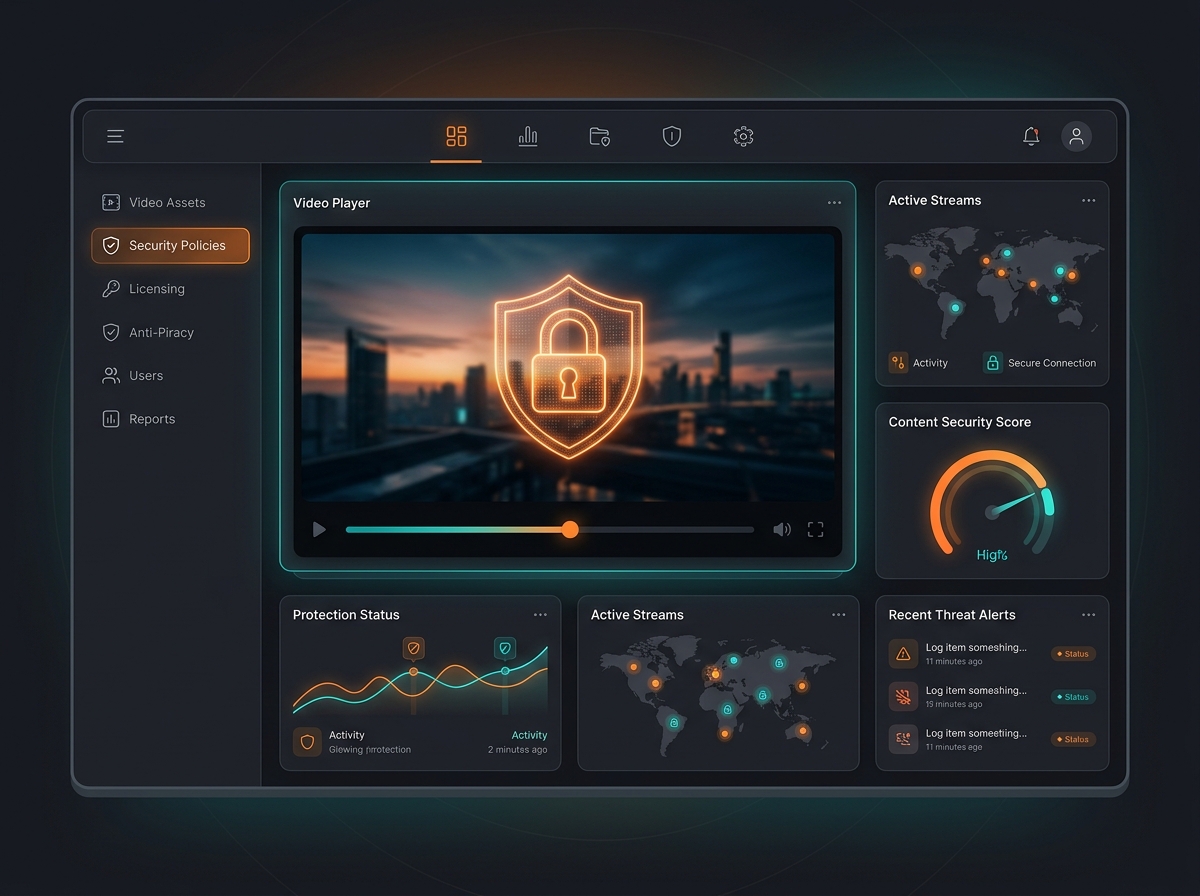
What you can do with it.
Blocks screenshots and screen recording on mobile apps
Restricts multi-device simultaneous logins
Dynamic watermarking on all video lectures and PDFs
More about this feature
Test the agreed recording restrictions, watermarking and access rules on supported devices. These controls reduce some sharing risks; an external camera and other routes can remain outside their control.
Protecting Digital Assets from PiracyYour questions, answered.
Can content protection prevent every recording?
No. Check supported app and device restrictions in your demo. Screen-capture controls do not prevent every capture method, including someone filming a display with another camera.
What should we check for shared student logins?
Agree device and concurrent-session rules, then test an allowed login and a restricted login. Confirm how administrators see and resolve access problems without blocking legitimate students unnecessarily.
How is this better than Classplus, Graphy, Learnyst, AppX, or Proctur?
Compare current capabilities with your own sample questions and student workflow. ThePrepLab combines AI-assisted question workflows and assessment delivery; verify current features from each vendor and commercial terms.
Do you support institutes in major hubs like Kota, Delhi, and Hyderabad?
Educators can request a demo using their own requirements. Confirm supported workflows, deployment and support arrangements in the proposal.
See how it fits your teaching.
Get a walkthrough of the tools, setup and plan for your business.